Polymer Clay Project Inspiration and GuidesFindapolymerclayidea.Makeityours.
Browse polymer clay pieces for inspiration, then use the guides to plan techniques, finish choices and making decisions. If a making set is linked, check its page or listing for current availability and the files included.

Browse the inspiration lookbook.
Explore 132+ polymer clay design references by type, color, technique, difficulty, and style. Choose what to make, then make it your own.
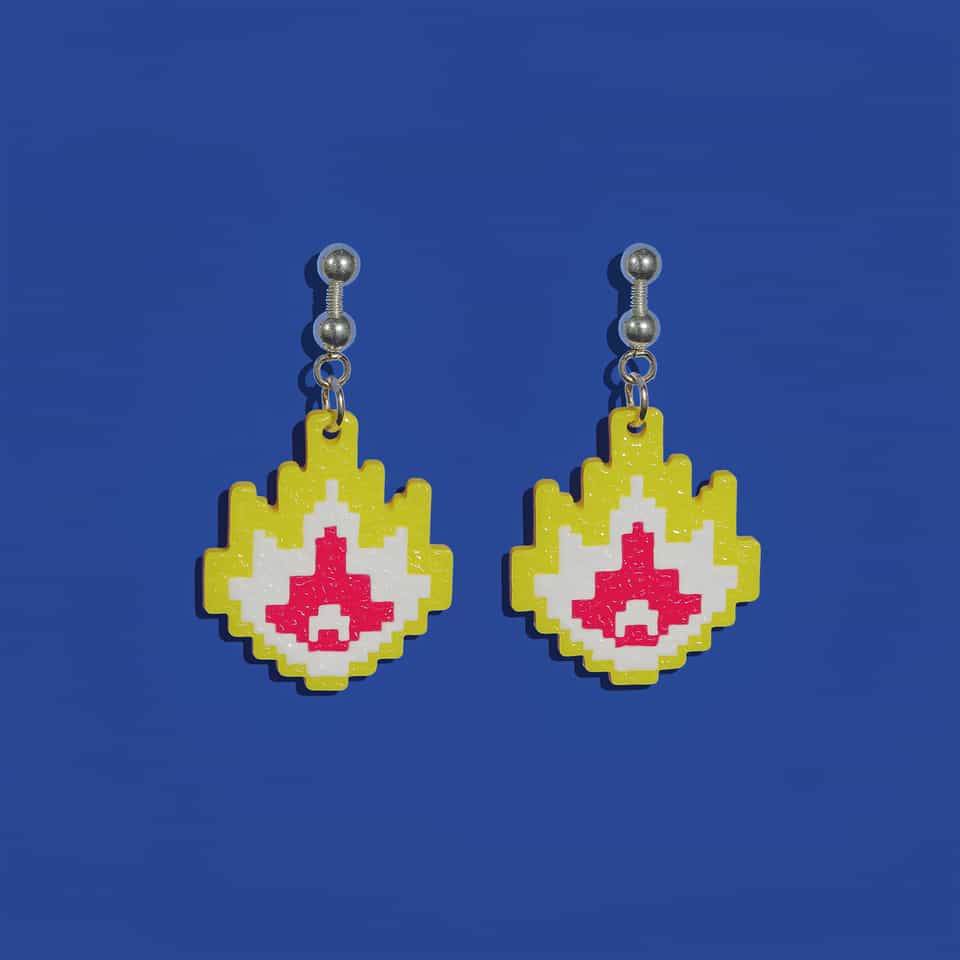

Yellow Pixel Flame Layered Test Pair
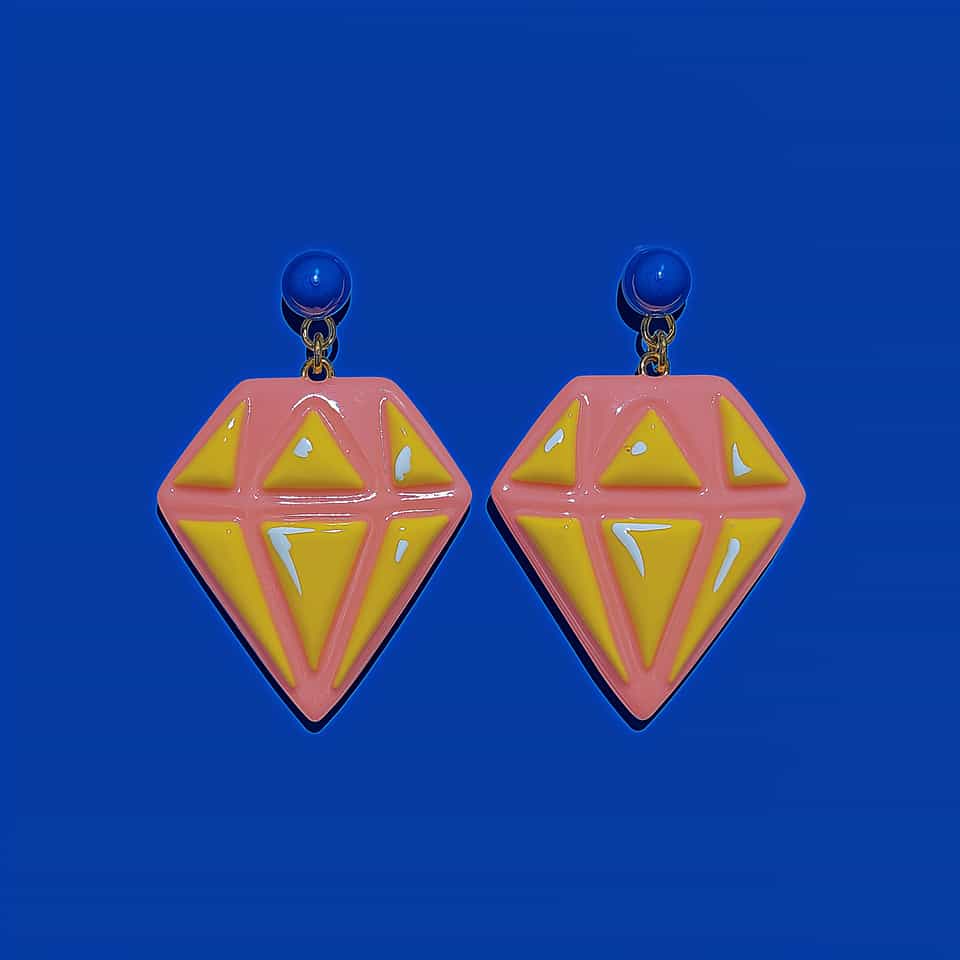
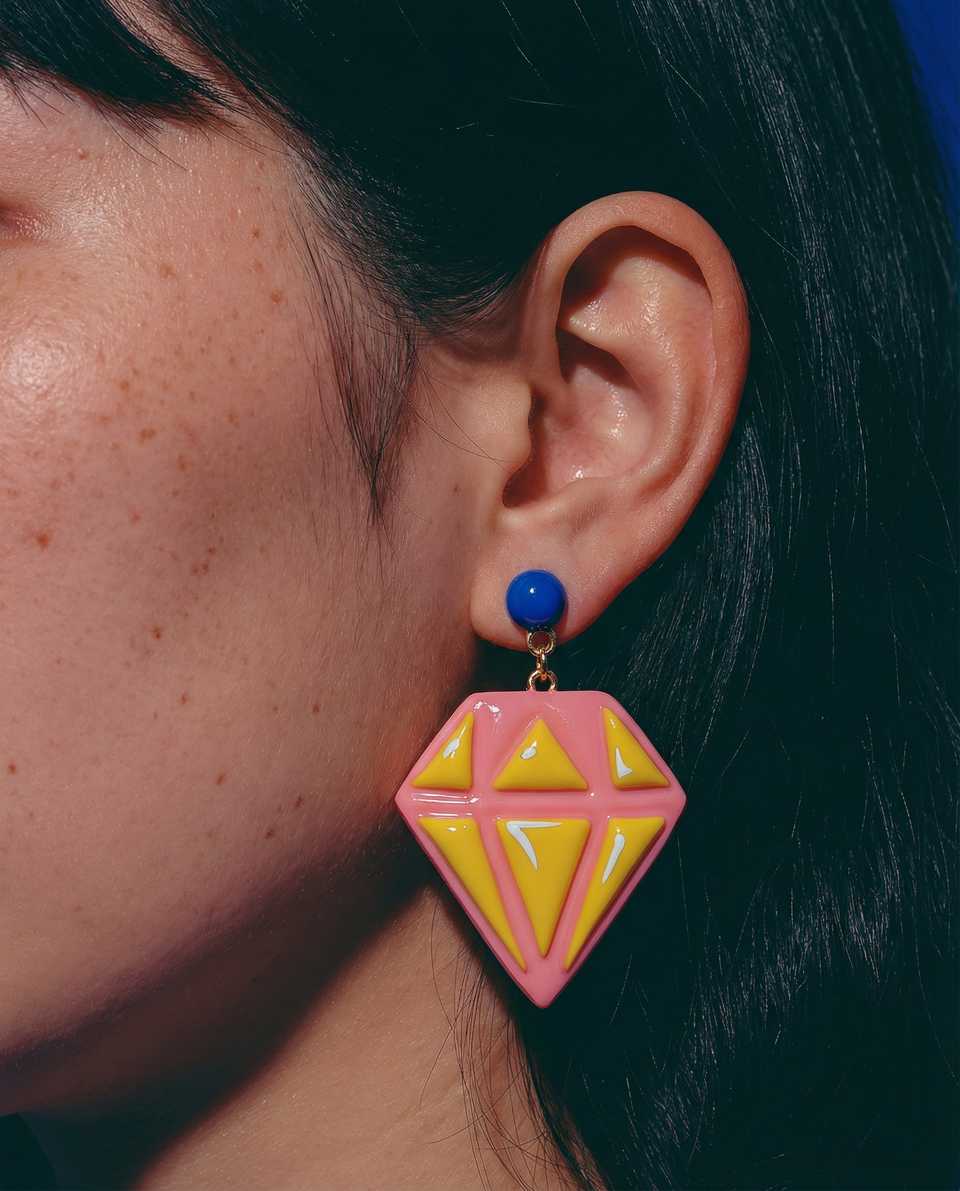
Pink & Yellow Faceted Gem Test Pair
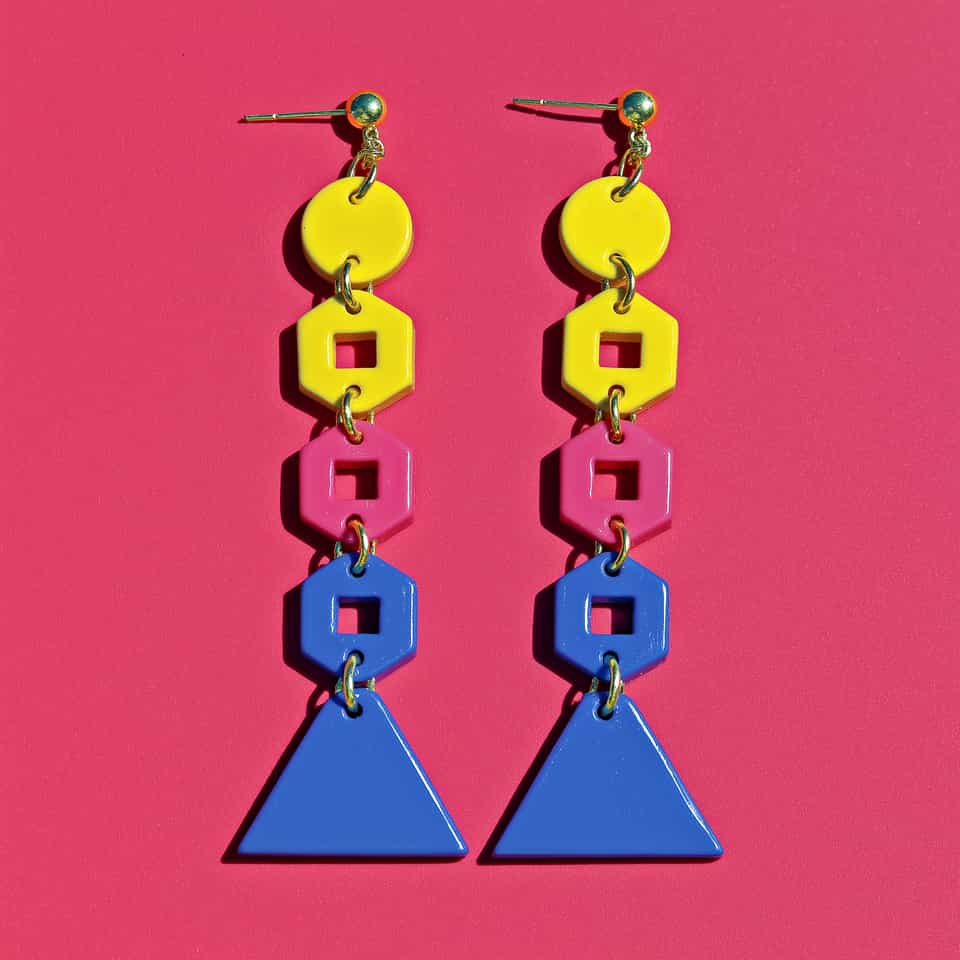

Go-Go Linked Dangle Test Pair
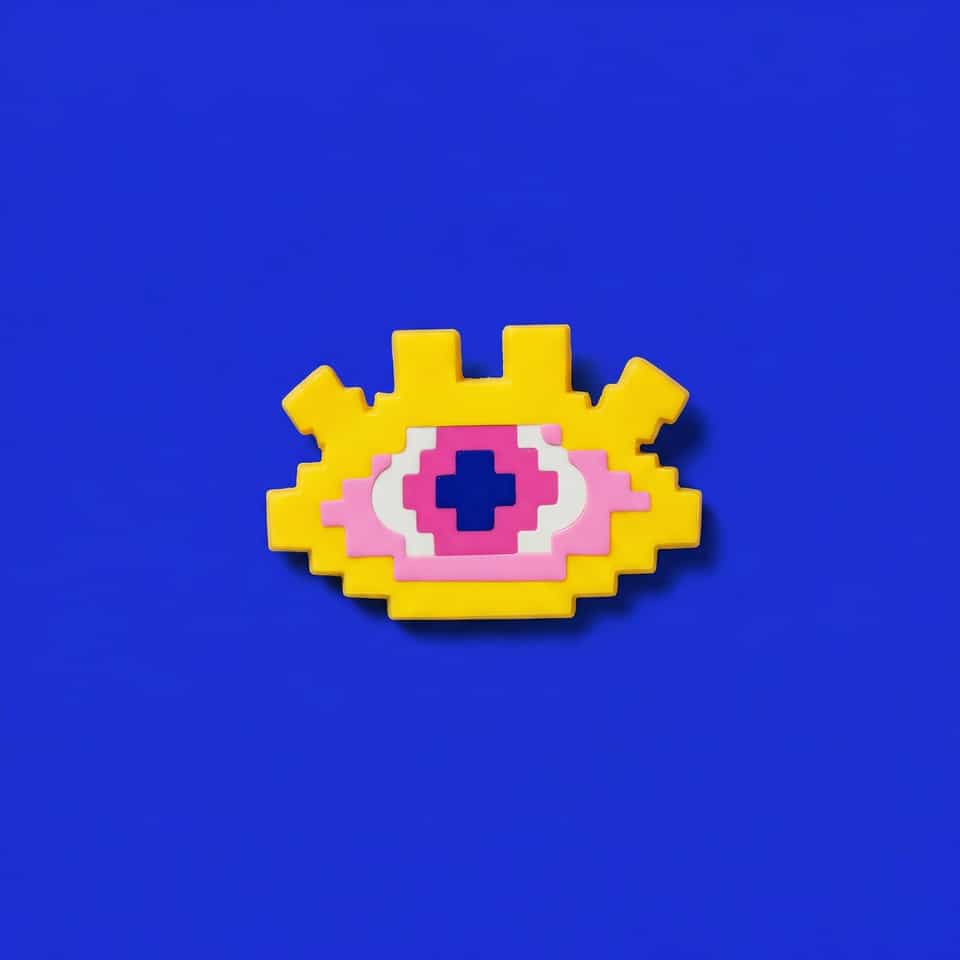
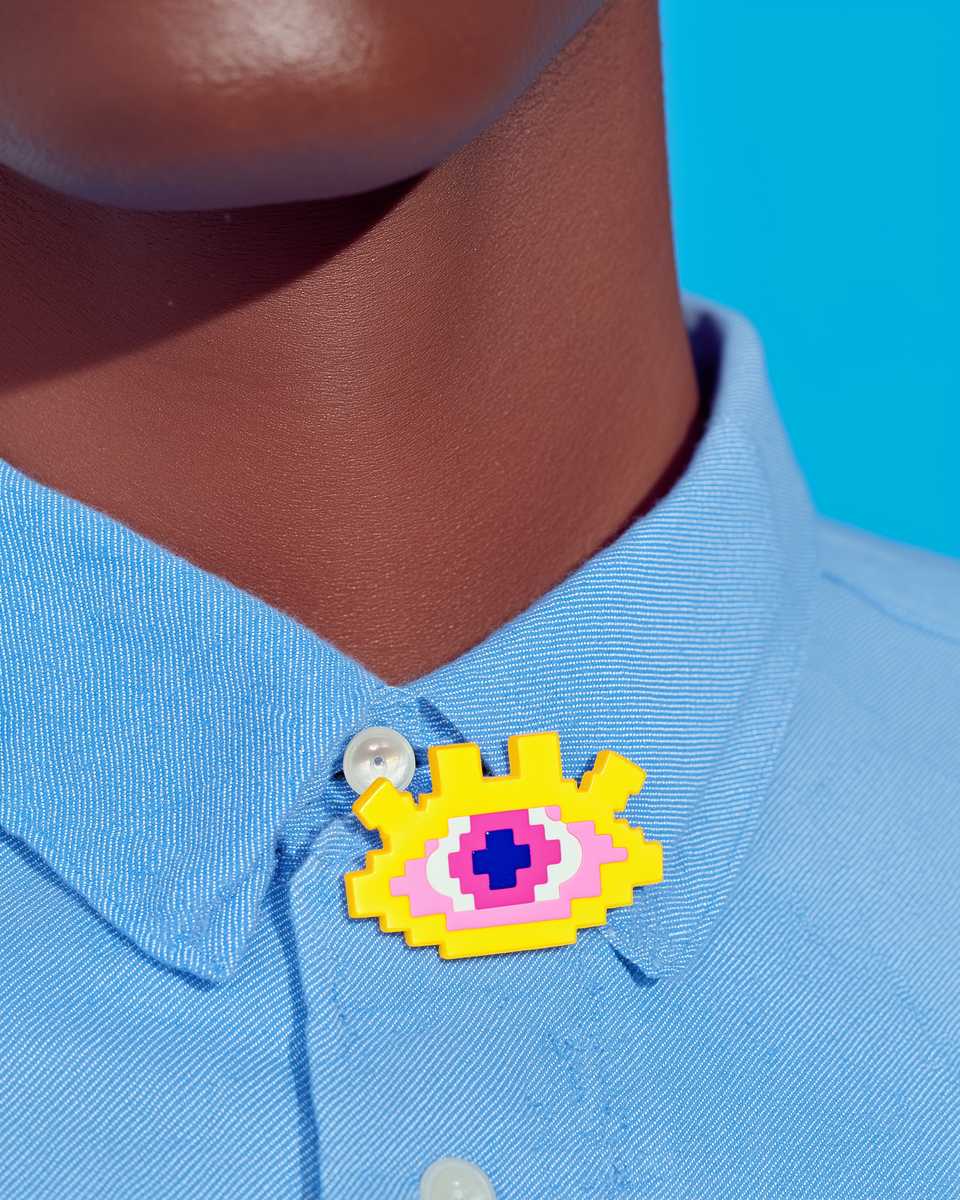
Yellow Pixel Eye Layered Test Plaque
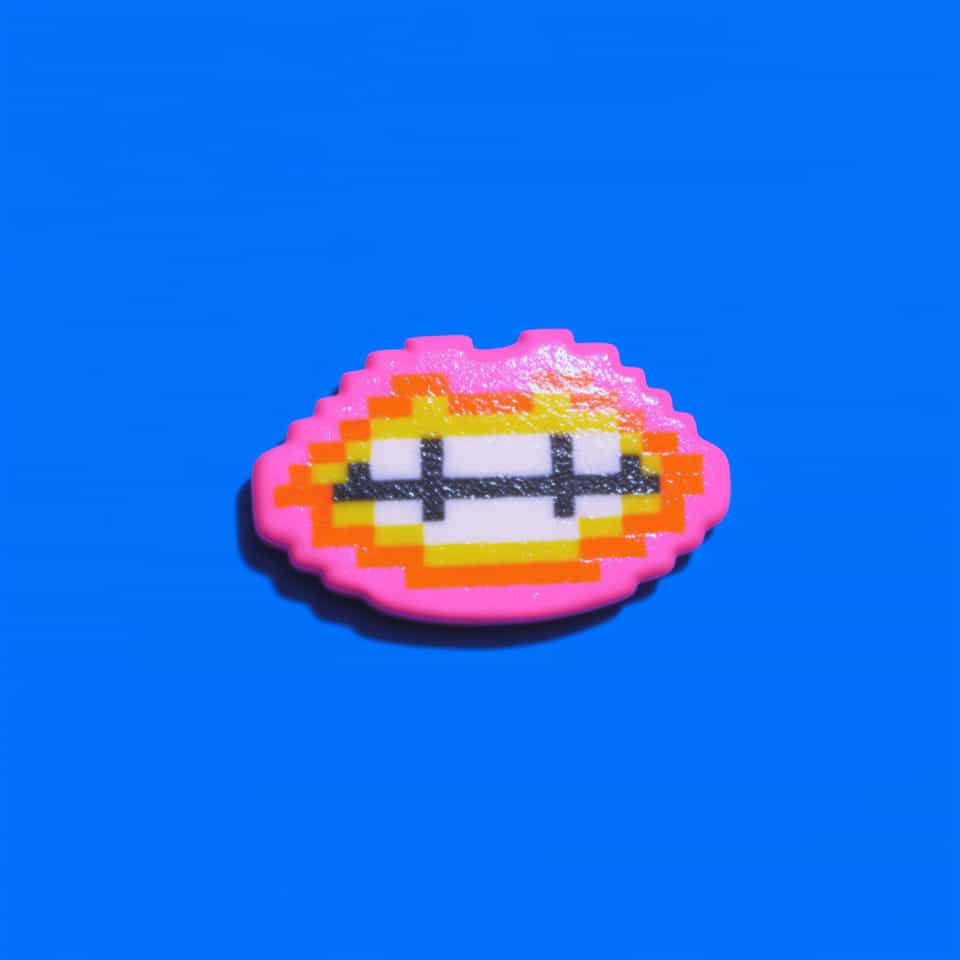

Pixel Lips Raised Layer Test Plaque

Blue Spotted Cat Flat-Back Clay Piece
Want a clay range designed around your idea?
Send a lookbook reference, sketch, or new range concept. We can turn it into a visual mockup, a build guide, custom tools, or match you with a maker for the finished piece.
Build skills that bring inspiration to life.
Use the guide library to choose your clay, slab thickness, bake setup, findings, adhesive, and finish before you roll, cut, bake, and assemble the piece you have in mind.
Browse polymer clay guides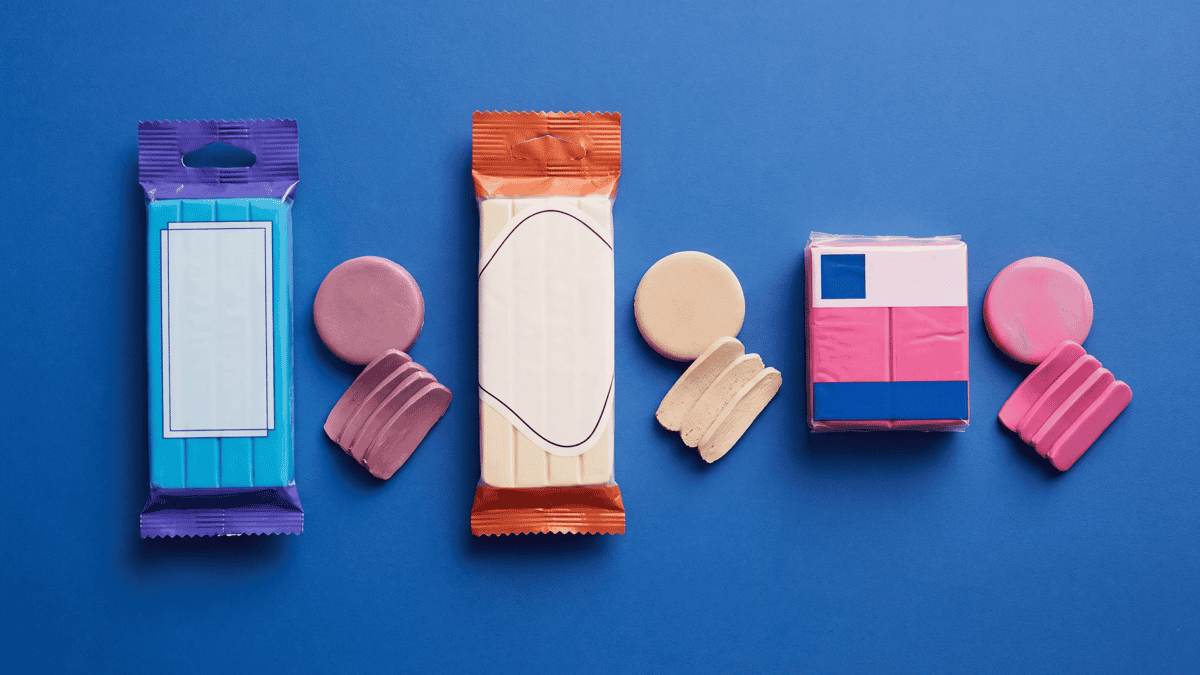
Best Polymer Clay Brands for Beginners: Premo vs Soufflé vs FIMO Soft
Premo, Soufflé, and FIMO Soft have different maker-described properties and uses. Compare their current product pages and exact packages, choose one line available in the colors you need, and bake a labeled test chip before a full project.
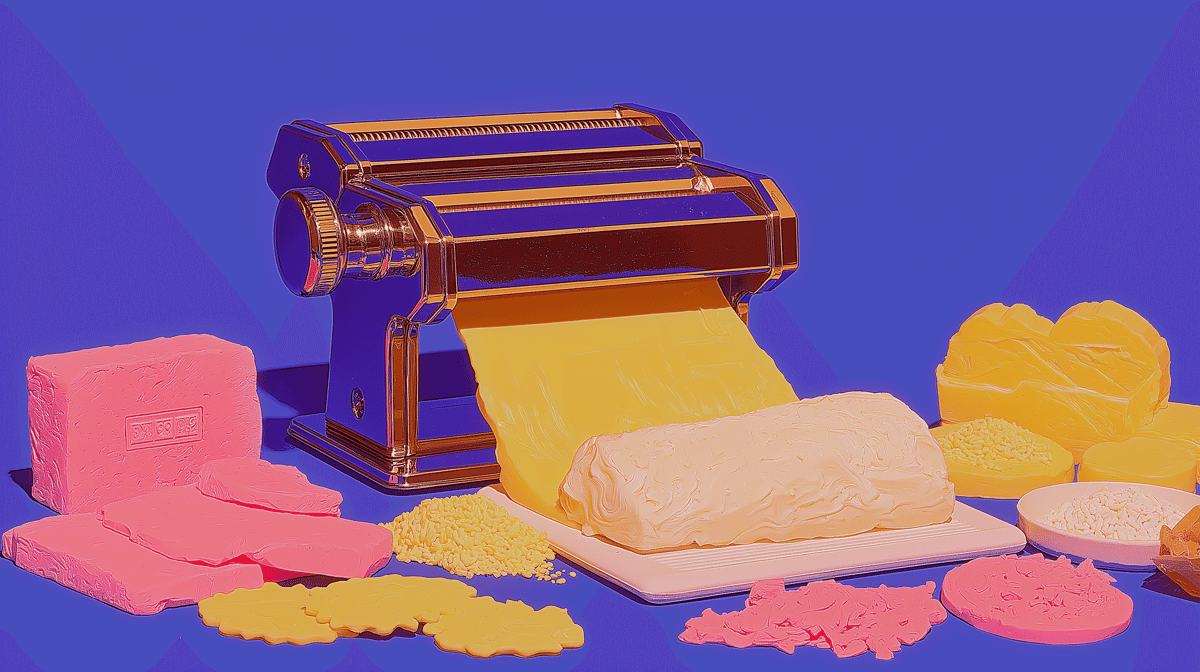
Polymer Clay for Beginners: Clay, Tools, and a First Test Piece
Start with one clay line you can actually test, a small set of core tools, and a simple first project that teaches cure, thickness, and clean cuts before you guess at harder hardware decisions.
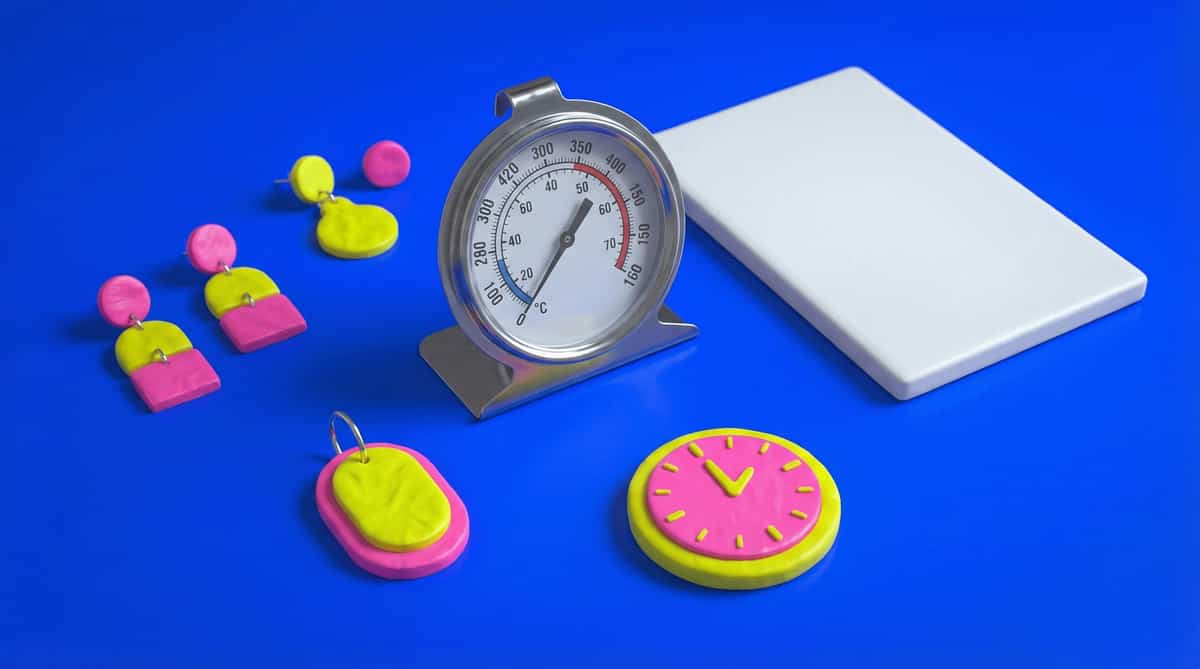
Polymer Clay Oven Thermometer: Baking-Area Checks
Place an oven thermometer in the baking area where its display can be read safely. Compare the measured temperature with the exact clay package target.
New clay tutorials and maker notes
Read the maker notes behind the lookbook.
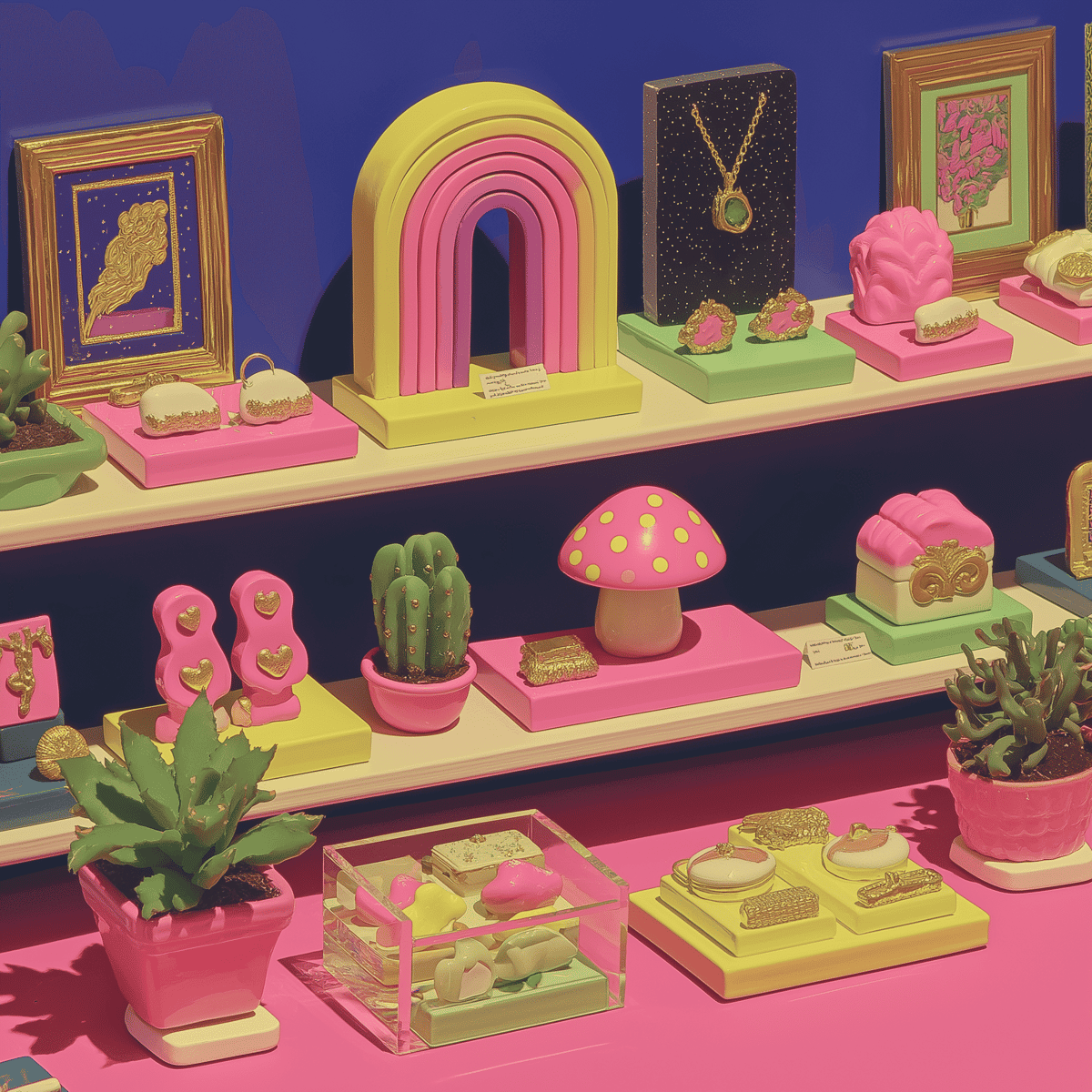
What’s in my polymer clay kit? 10 things I’d buy first
The ten things I would replace first, from the pasta machine that saves my hands to the small tools, work surfaces, cutters, and clay I would choose again.
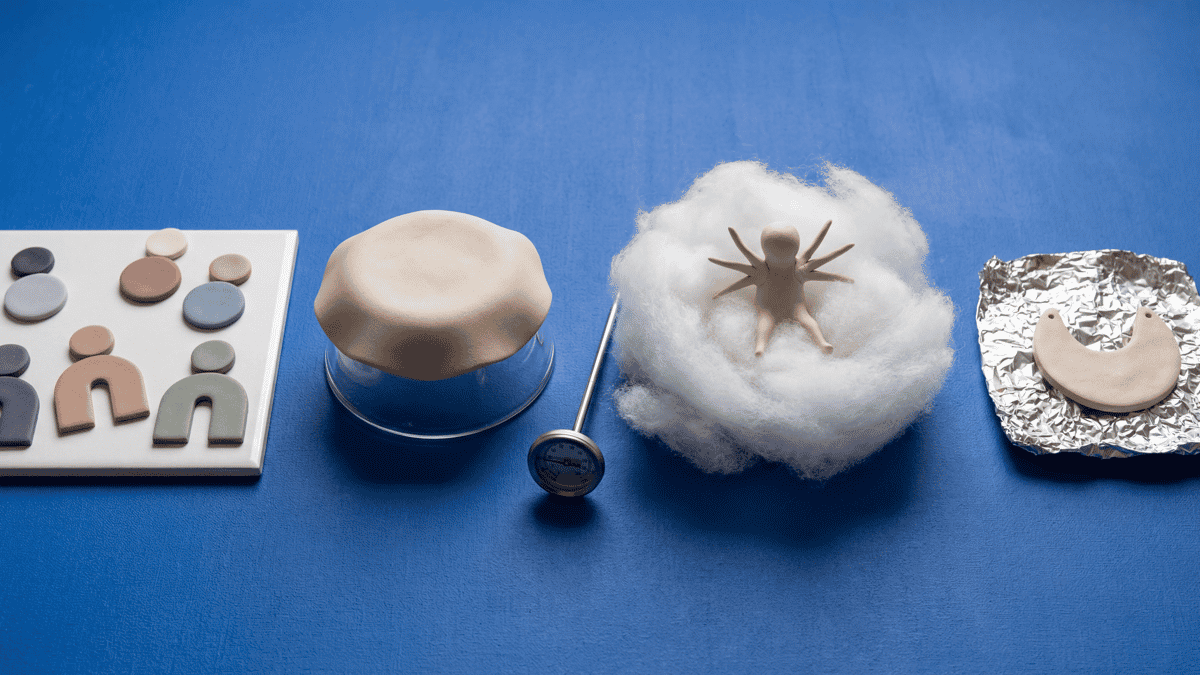
How to Support Polymer Clay During Bake by Shape
Match a documented tile, glass, shaped support, armature, or lightweight core to the part that must stay flat, curved, raised, or aligned.
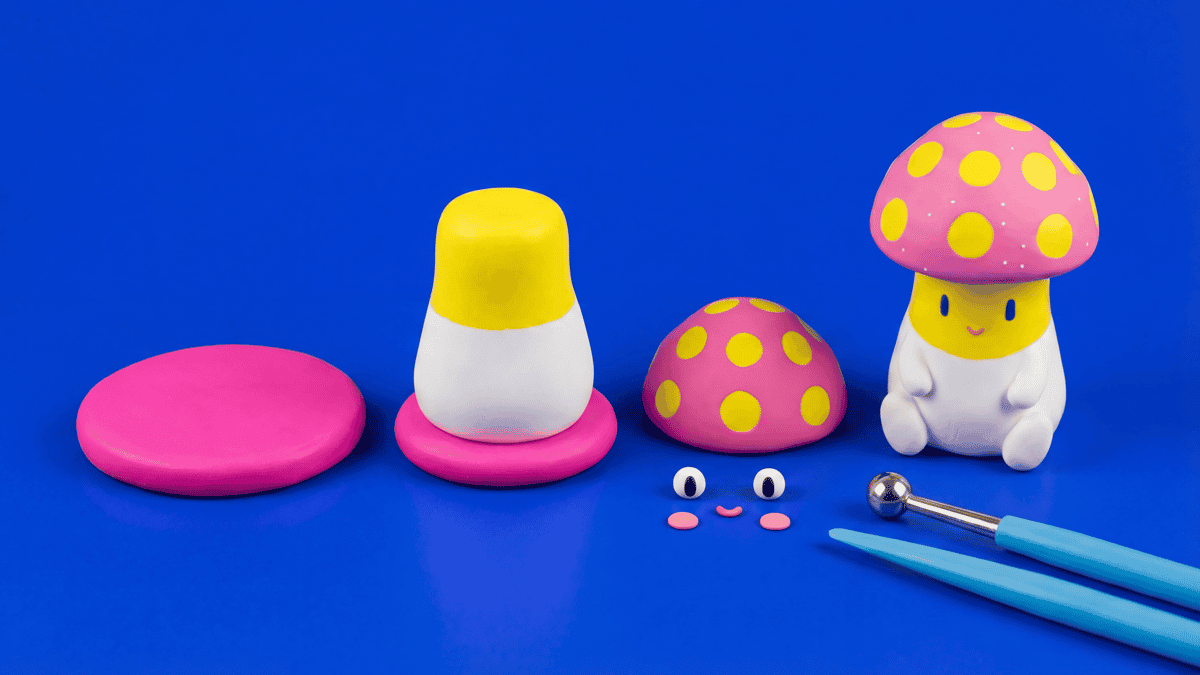
Polymer Clay Figurines: Stable Bases and Clean Features
Small figurines look simple until the base wobbles, the cap droops, or the face gets smudged while you are still shaping the body. This guide covers the order of operations that keeps polymer clay characters stable with cleaner features.
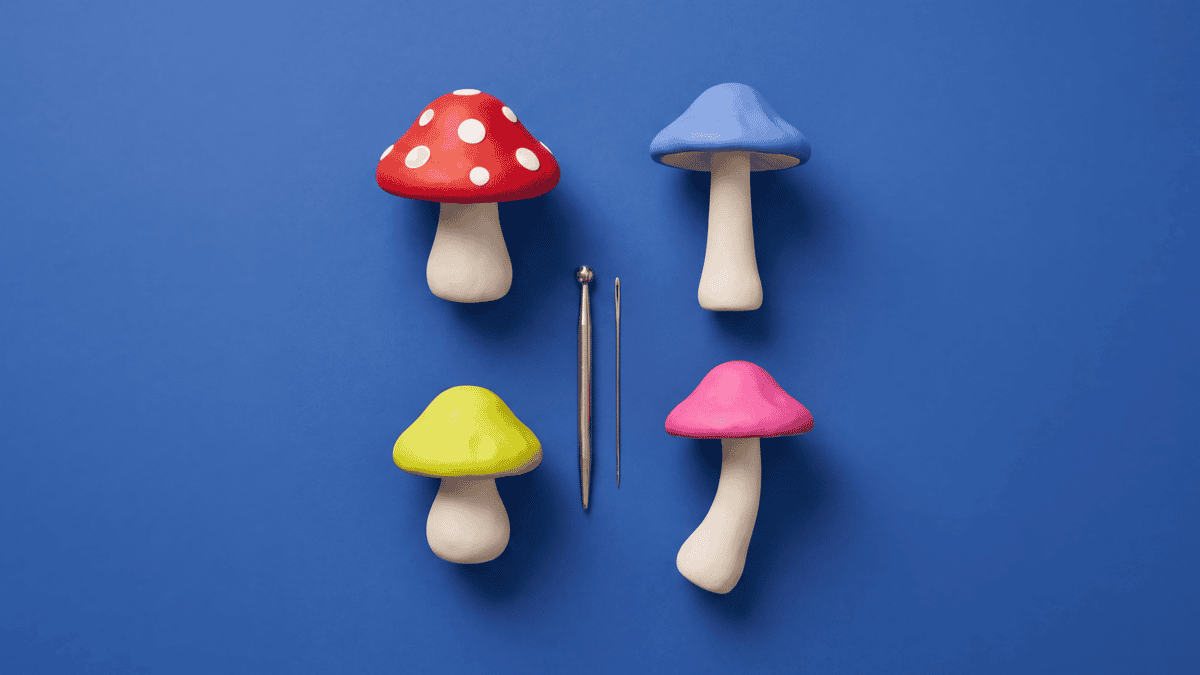
How to Make Polymer Clay Mushrooms: Cap, Stem, and Spotting Tutorial
A beginner-friendly polymer clay mushroom tutorial: condition, shape a stable stem, dome the cap, press on white spots, support the overhang, and bake by package directions.
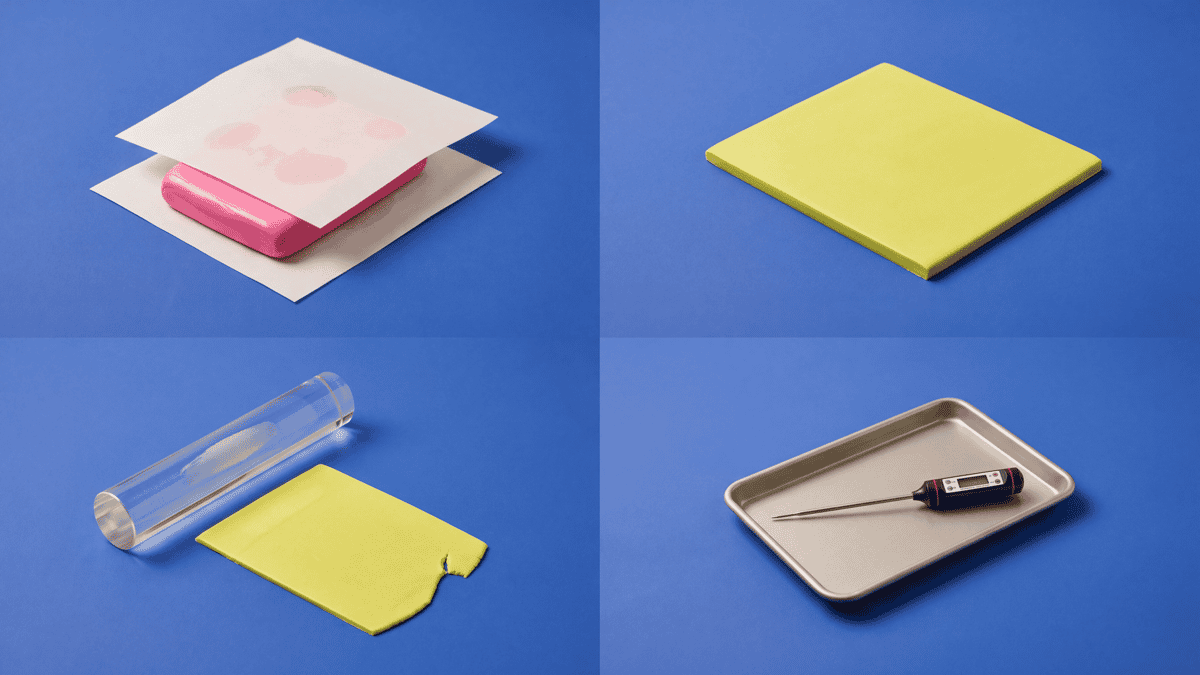
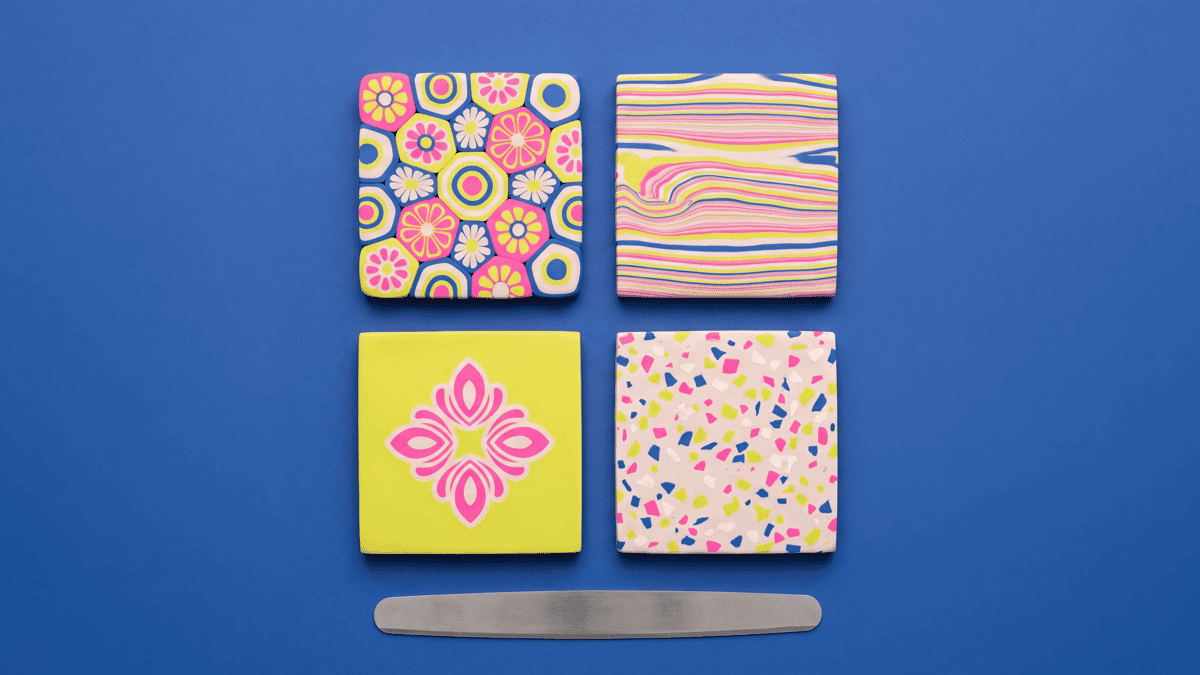
Browse by technique
Pick a skill to practice. Each page starts with the guides, then shows lookbook examples that use the technique in earrings, pendants, buttons, or small objects.
Pixel Art
For blocky, 8-bit clay pieces. Learn how to lay out a simple grid, cut stepped shapes, and keep the edges tidy.
Sculpting
Practice sculpting techniques: roll coils, pinch forms, support bulkier shapes, smooth seams, and layer raised details.
Slab Cutting
For flat pieces and clean cut shapes. Start with slab thickness, pasta-machine setup, blends, and cutter pressure.
Millefiori
For cane work and repeated pattern slices. Learn what a cane is, how reduction works, and how to slice cleanly.
Terrazzo
For confetti-chip slabs. Choose chip size, press the pieces into the base, and cut shapes without dragging the pattern.
Marbling
For swirled clay slabs and color folds. Stop mixing while the pattern still has clear movement and contrast.
Mokume Gane
For layered stacks sliced into contour-like patterns. Build the stack, reveal the layers, and cut with control.
Color Block
For graphic solid-color sections. Plan clean seams, flat slabs, and color placement before the pieces touch.
Skinner Blend
For smooth clay gradients. Choose the blend direction, keep the transition clean, and test the final scale.
Surface Effects
For decoration on the surface: Sutton slice, silkscreen, stencil, texture imprint, metallic inlay, resin domes, and print.
Common questions
Straight answers for planning your next polymer clay project
What is Clay Bake Studio?
Clay Bake Studio pairs an inspiration lookbook with a polymer clay guide library. Use each reference as a starting point for palette, silhouette, texture, technique, hardware or finish. If a making set is linked, check the listing for current availability and the files included.
How should I use these clay ideas?
Start with the visual idea, then pick the colors, clay, finish, hardware, and build steps that fit your own piece. Use the notes as a checklist before you roll, cut, bake, or assemble.
Who is this for?
Polymer clay makers who want the freedom to experiment: hobbyists building skills, makers with a 3D printer or 3D printing service who want a piece-specific set, and sellers planning small batches. Guides help you learn; making sets are for when you are ready to 3D print the tools and make your version.
Do making sets need a 3D printer?
Yes for digital downloads: you 3D print the cutters yourself or use a 3D printing service. No physical cutter ships with the digital making set. When ClayBake offers physical 3D-printed tools later, that option will be listed separately.
Do you list materials and tools?
Where it helps, we call out the tools, finish, hardware, and material questions that matter for the piece. Treat those as planning notes for your own worktable, especially when package directions, oven behavior, skin-contact findings, or adhesive cure time are involved.
Can I make the ideas my own?
Pick the color story, silhouette, texture, or technique you want to try. Then change the scale, palette, hardware, or finish so the piece fits your style or product range. The reference should give you a starting point, not a rulebook.
Can I share what I make?
Yes! We love seeing how makers translate a reference into their own style. Different palettes, cutter scales, finishes, and hardware choices help other readers plan their own piece. Tag your build with #ClayBakeStudio so we can see what you make.